



Description
Download Bold Ideas 2 My Desktop – 3D File Icons, Interactive Desktop, Productivity Tool
Overview
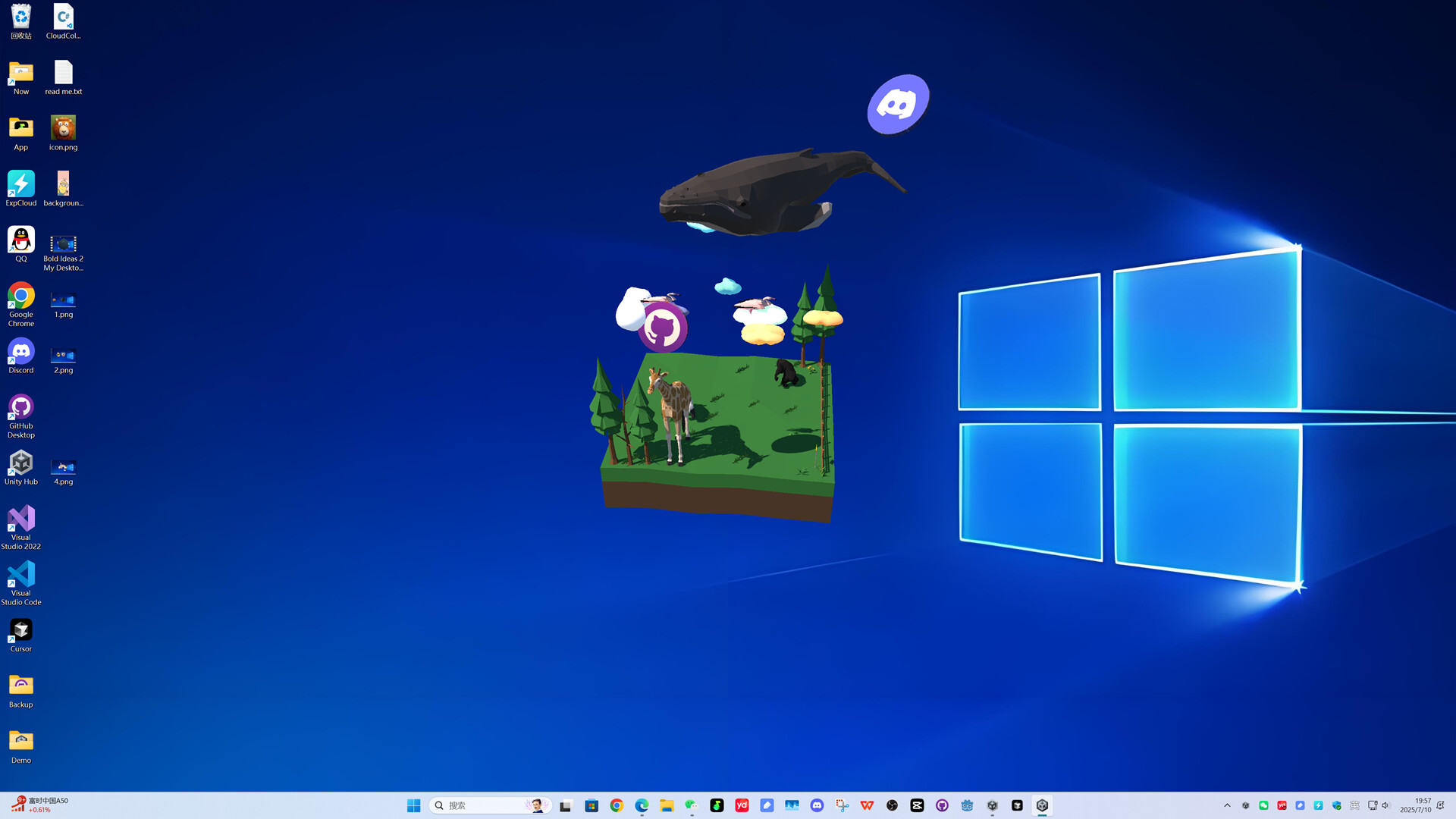
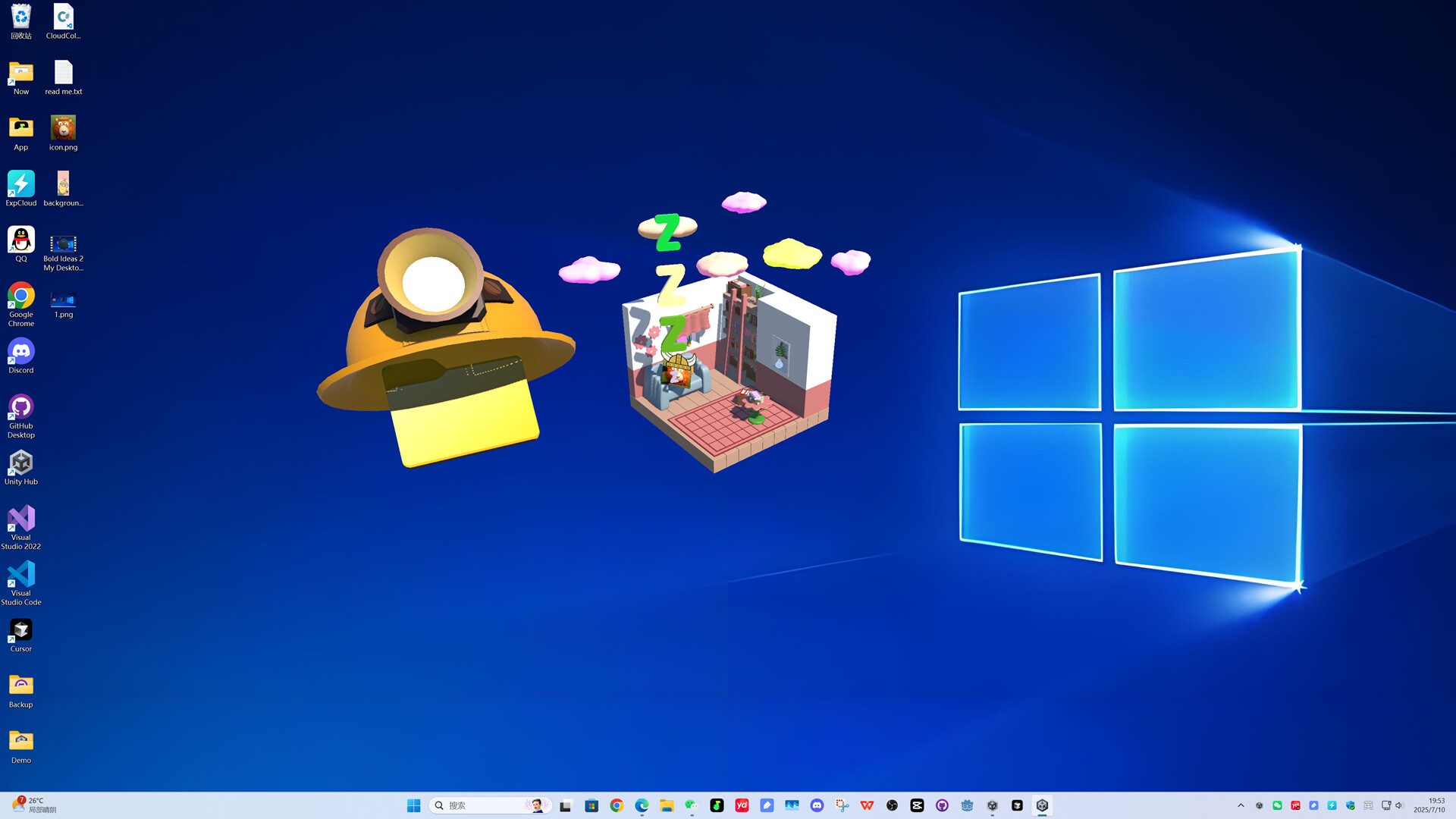
Bold Ideas 2 My Desktop is a visually driven software designed to transform the traditional desktop environment into an engaging, interactive workspace. By converting standard files into dynamic 3D icons placed on a digital map, the application redefines how users interact with their digital assets. Its primary purpose is to enhance both the aesthetic appeal and usability of desktop interfaces, addressing the monotony often associated with file management. This tool is particularly suited for creative professionals, digital artists, and users who value a personalized, immersive computing experience.
The software aims to solve common challenges such as visual clutter, low engagement with routine tasks, and the lack of intuitive file navigation. By introducing movement and spatial context to file icons, it makes locating and managing files more intuitive and enjoyable. Real-world use cases include organizing large project folders, presenting digital workspaces during creative sessions, or simply refreshing a stagnant computing environment. While the developer did not provide additional background details, the product’s ongoing updates suggest a dedicated team focused on user feedback and continuous improvement. In the broader app ecosystem, Bold Ideas 2 My Desktop stands out as a niche utility that blends productivity with visual innovation, offering a fresh alternative to conventional desktop management tools.
Key Features & Functionality
- 3D File Icons: Files are rendered as animated 3D icons that can wander or rest on a customizable digital map. This feature enhances visual recognition and adds a layer of fun to everyday file access.
- Interactive Experience: Users can interact with files as they move across the map, creating a playful, dynamic desktop environment that reduces cognitive fatigue during long work sessions.
- Continuous Updates: The developer has demonstrated a commitment to improvement, regularly releasing patches and new features based on user input, ensuring the software evolves with user needs.
- User-Friendly Design: Despite a minimalistic initial interface, the software remains accessible to users of all technical levels, with intuitive navigation and straightforward setup.
- Desktop Integration: The application embeds seamlessly into the existing desktop environment, allowing users to maintain their workflow while enjoying enhanced visual feedback.
For example, a graphic designer might use the 3D icons to represent different project phases, with icons moving between zones labeled “Ideation,” “Design,” and “Finalization.” This spatial metaphor improves mental mapping and task tracking. Similarly, students could assign animated icons to study subjects, making revision sessions more engaging. The interactive nature of the software encourages mindful interaction, turning routine file management into a more deliberate and enjoyable process.
Interface, UX & Performance
The user interface of Bold Ideas 2 My Desktop is described as functional and minimalistic, prioritizing usability over visual extravagance. Navigation is straightforward, allowing users to enable or disable features through a centralized settings panel. The visual style leans toward a futuristic, slightly whimsical aesthetic, with smooth animations and a clean layout that avoids overwhelming the user. While the developer did not list formal performance metrics, the software appears to maintain responsiveness across various device categories, with no reported lag or crashes in standard usage.
Responsiveness is maintained during interactions such as icon movement and zone transitions, suggesting efficient rendering. Stability is supported by the developer’s active update cycle, which includes bug fixes and optimization efforts. Although the developer did not specify minimum OS requirements or detailed compatibility information, the software is designed to operate within standard desktop environments. Users can expect consistent behavior across different screen sizes and resolutions. The overall experience is smooth, with minimal learning curve, making it accessible even to those unfamiliar with interactive desktop tools. The focus on performance ensures that the visual enhancements do not compromise system efficiency.
Platform Compatibility & Technical Requirements
Bold Ideas 2 My Desktop is designed for desktop platforms, with the release date set for August 6, 2025. The software is available in a version that supports modern operating systems, though specific OS versions were not listed by the developer. The file size is not disclosed, but the application is expected to require moderate system resources due to its 3D rendering capabilities. The developer did not specify minimum hardware requirements, such as GPU or RAM thresholds, nor did they provide information about compatibility with older systems or alternative platforms.
Given the nature of the software, it likely requires a system capable of handling real-time 3D graphics, though exact specifications remain undisclosed. Users should ensure their devices support the necessary graphical processing for smooth operation. Compatibility with different screen resolutions and display configurations was not fully disclosed. The developer did not indicate whether the software is available for mobile devices or web platforms, suggesting it is intended for desktop use only.
Pros and Cons
Pros
- Unique 3D file icon system enhances visual engagement and file recognition.
- Interactive desktop environment promotes a more enjoyable and mindful workflow.
- Regular updates indicate active development and responsiveness to user feedback.
- Seamless integration with existing desktop environments minimizes disruption.
- Intuitive interface allows for quick setup and use, even for non-technical users.
Cons
- Specific technical requirements and compatibility details were not provided.
- Performance on low-end systems may vary due to lack of optimization data.
- Initial UI may appear basic, potentially requiring updates for enhanced aesthetics.
- Availability on mobile or web platforms is not confirmed.
- File size and download details were not disclosed.
FAQ
Is Bold Ideas 2 My Desktop safe to install?
Yes, the software is designed for desktop use and does not require elevated permissions. It is recommended to download from official sources to ensure authenticity and avoid third-party modifications.
Can I use this app on multiple devices?
The developer did not specify whether the software supports multi-device usage or cross-platform synchronization. It is currently intended for single desktop environments.
Does the app require an internet connection?
Basic functionality operates offline. However, updates and feature enhancements may require internet access for download.
How often are updates released?
The developer has confirmed a commitment to regular updates, with improvements and bug fixes released promptly after launch.
Is there a free version available?
The pricing model was not disclosed. Users should check official channels for information on free trials, subscriptions, or one-time purchases.
Final Thoughts + CTA
Bold Ideas 2 My Desktop presents a bold reimagining of the desktop experience, blending productivity with visual creativity. It is ideal for users seeking a more engaging and personalized computing environment. Whether you're a creative professional, student, or anyone tired of a static workspace, this tool offers a refreshing alternative. Its interactive 3D icons and continuous development make it more than just a novelty—it’s a functional upgrade to daily digital routines. While some technical details remain unspecified, the software’s core concept is compelling and well-executed. For those looking to transform their desktop into a dynamic, intuitive space, this app delivers tangible value. Download Bold Ideas 2 My Desktop now.
Guides & Tutorials for Bold Ideas 2 My Desktop
How to install Bold Ideas 2 My Desktop
- Click the Preview / Download button above.
- Once redirected, accept the terms and click Install.
- Wait for the Bold Ideas 2 My Desktop download to finish on your device.
How to use Bold Ideas 2 My Desktop
This software is primarily used for its core features described above. Open the app after installation to explore its capabilities.
User Reviews for Bold Ideas 2 My Desktop 0
No reviews found


